Model 08 · Security
Anatomy of a Signing Device
Why the screen on the device is the one you trust.
Explanation level
How to use this model
How to use this modelWhat you see, what you can touch, what changes, what to take away
What am I looking at?
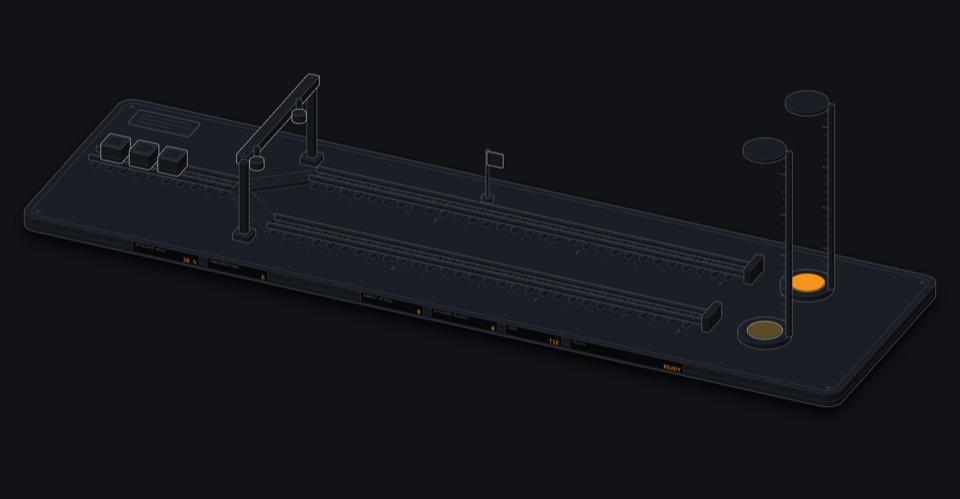
A fictional hardware signing device in exploded cutaway: host computer, communication interface, processor, key storage boundary, trusted display, physical approval controls.
What can I touch?
- Construct a demonstration transaction
- Send it to the device
- Inspect recipient details
- Inspect fees
What happens when I change something?
Let malware swap the address on the computer and a genuine device's own screen still shows the address it will really sign for, so the mismatch can be caught before approving.
What should I understand afterwards?
Explain why the private key never leaves the device.
Understand why keys should stay protected.
A notary in a sealed room who reads the document aloud before stamping.
After this you can
- Explain why the private key never leaves the device.
Practise verifying a transaction on the device screen.
Spot the swapped address.
After this you can
- Detect a malicious address substitution by checking the trusted display.
Explore signing boundaries, serialisation and threat models.
PSBT flow, what the host can and cannot forge.
After this you can
- Describe what a compromised host can and cannot do.
Open the model in its own window · works offline once loaded
Missions operate the model to complete them
-
Catch the swapped address
IntermediateCompletedUse the device's own screen to detect a manipulated transaction.
Your task: Switch on the malware simulation, send the payment to the device, compare the address on the device with the one you meant to pay, and decide.
Use: Simulate address substitution · Send it to the device · Inspect recipient details · Approve or reject
Malware on the computer can change what is sent to the device, but not what a genuine, uncompromised device displays. Comparing the address on the device's screen with the one the recipient gave you, character by character, is what protects you.
Missions are checked from the model's own simulation state, not from clicks. No time limit. Completion is stored only in this browser. The quiz questions in the learning paths remain available.
Tutor Ask a question, or let the tutor show you around
The tutor answers by explaining and, within the permissions below, by operating this model. Every change it makes is shown and listed, and you can undo it. It cannot run code, read your browser data or see anything secret. The page works the same without it.